Inviting applicants
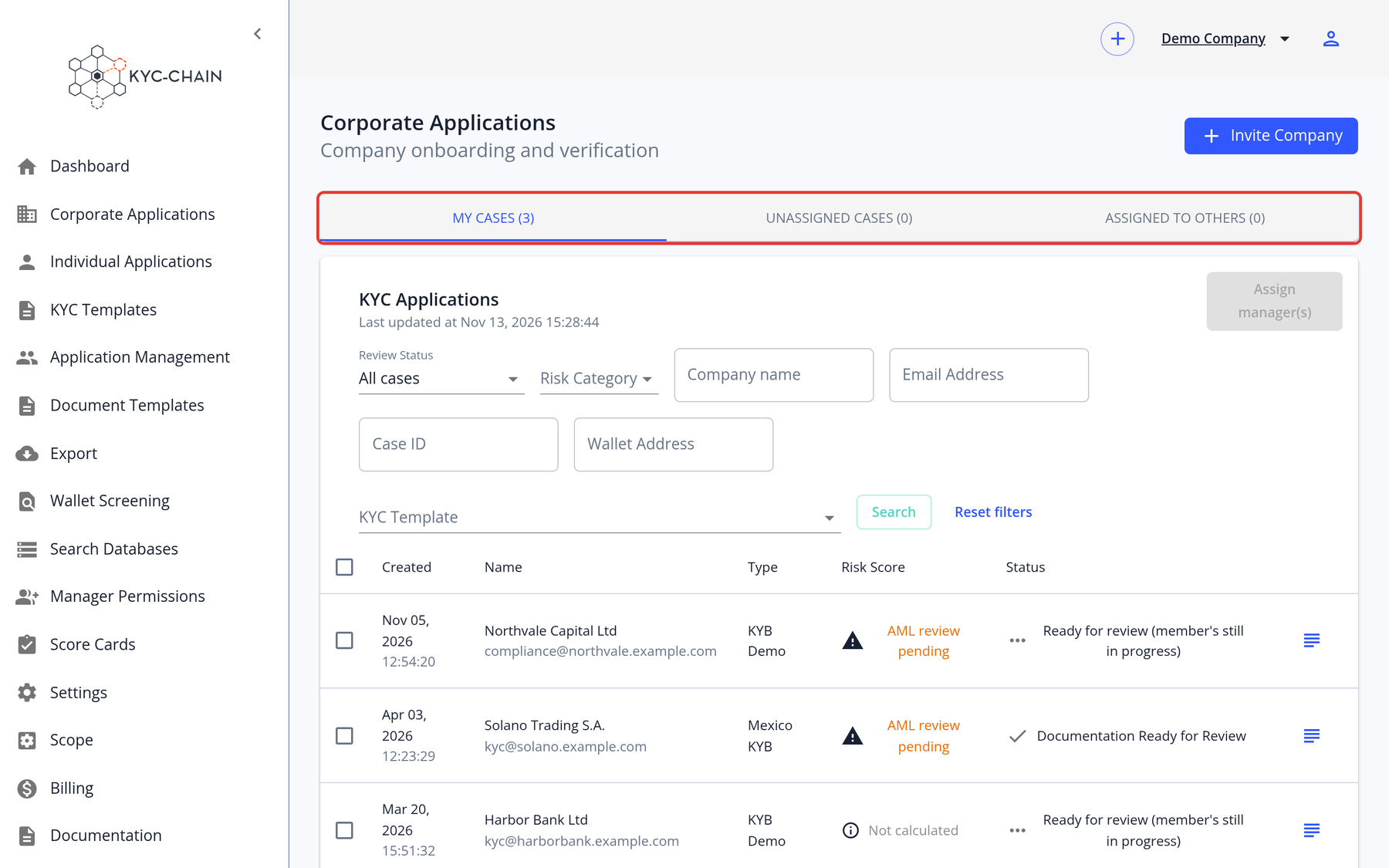
Step 1: Open the right list Open Individual Applications (KYC for people) or Corporate Applications (KYB for companies) in the left menu.
Step 2: Start the invitation Click Invite Person (for individuals) or Invite Company (for companies).
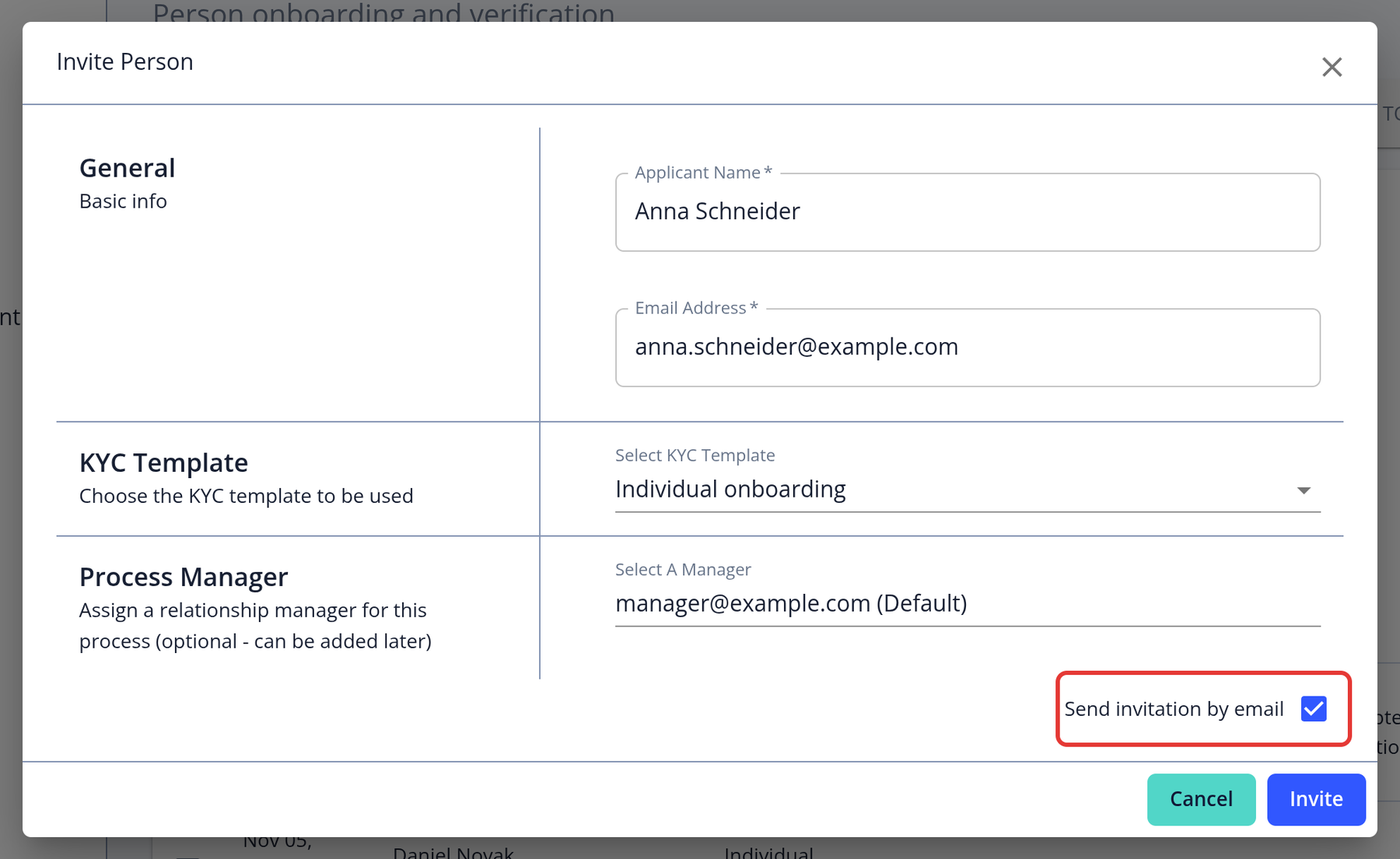
Step 3: Fill in the details Enter the applicant's name and email address (for a company, also the company name), and choose the KYC Template and the Process Manager. If more than one language is enabled for your instance, also choose the applicant's Language.
Step 4: Send the invitation Keep Send invitation by email ticked and click INVITE. The applicant receives an email with a link to start their verification. The link is valid for 48 hours.
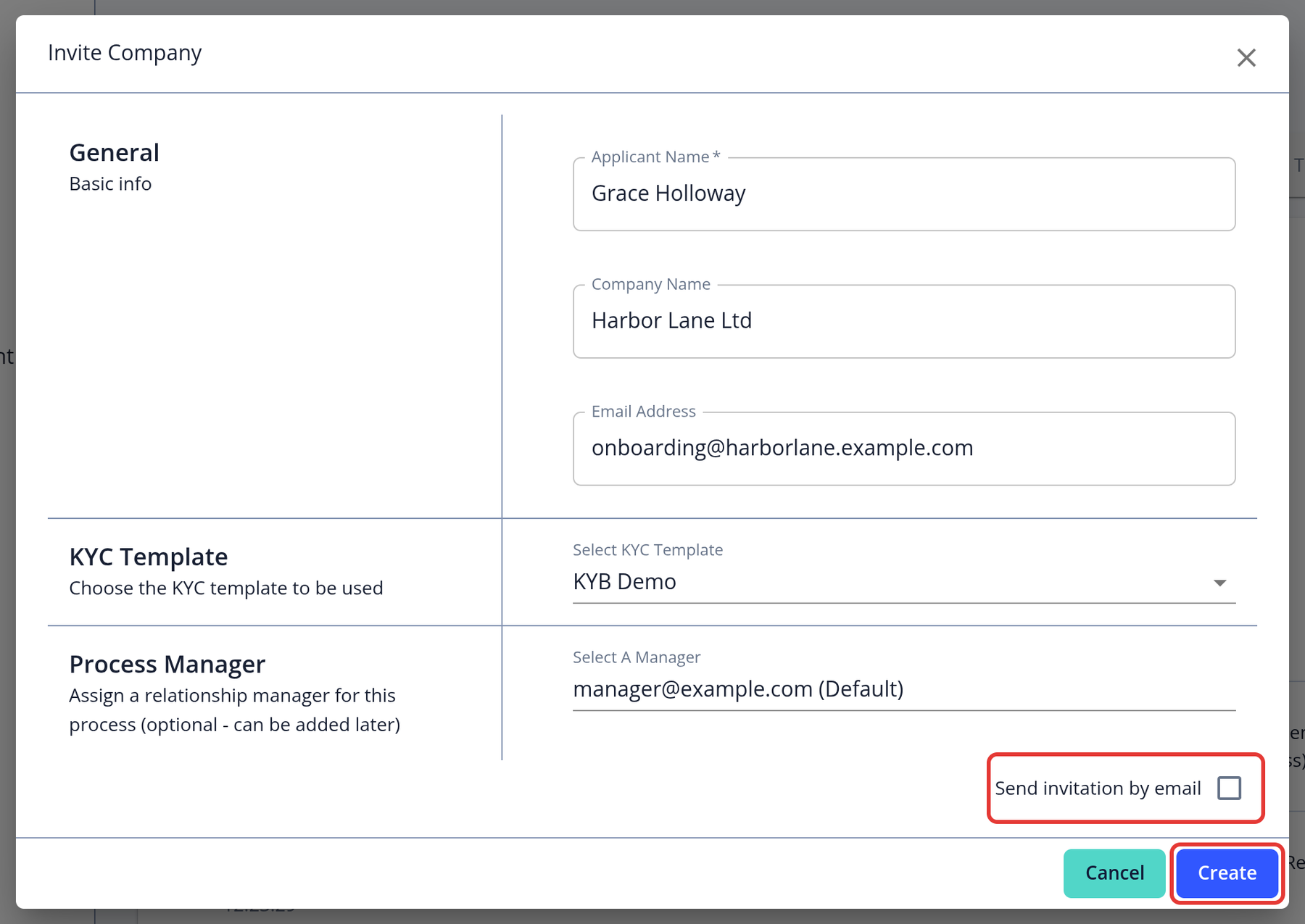
To create the application without emailing the applicant (for example, to fill it in yourself with Easy Fill), untick Send invitation by email and click Create. You can invite the applicant later with Invite User on the application page.
How can I get my invitation link resent?
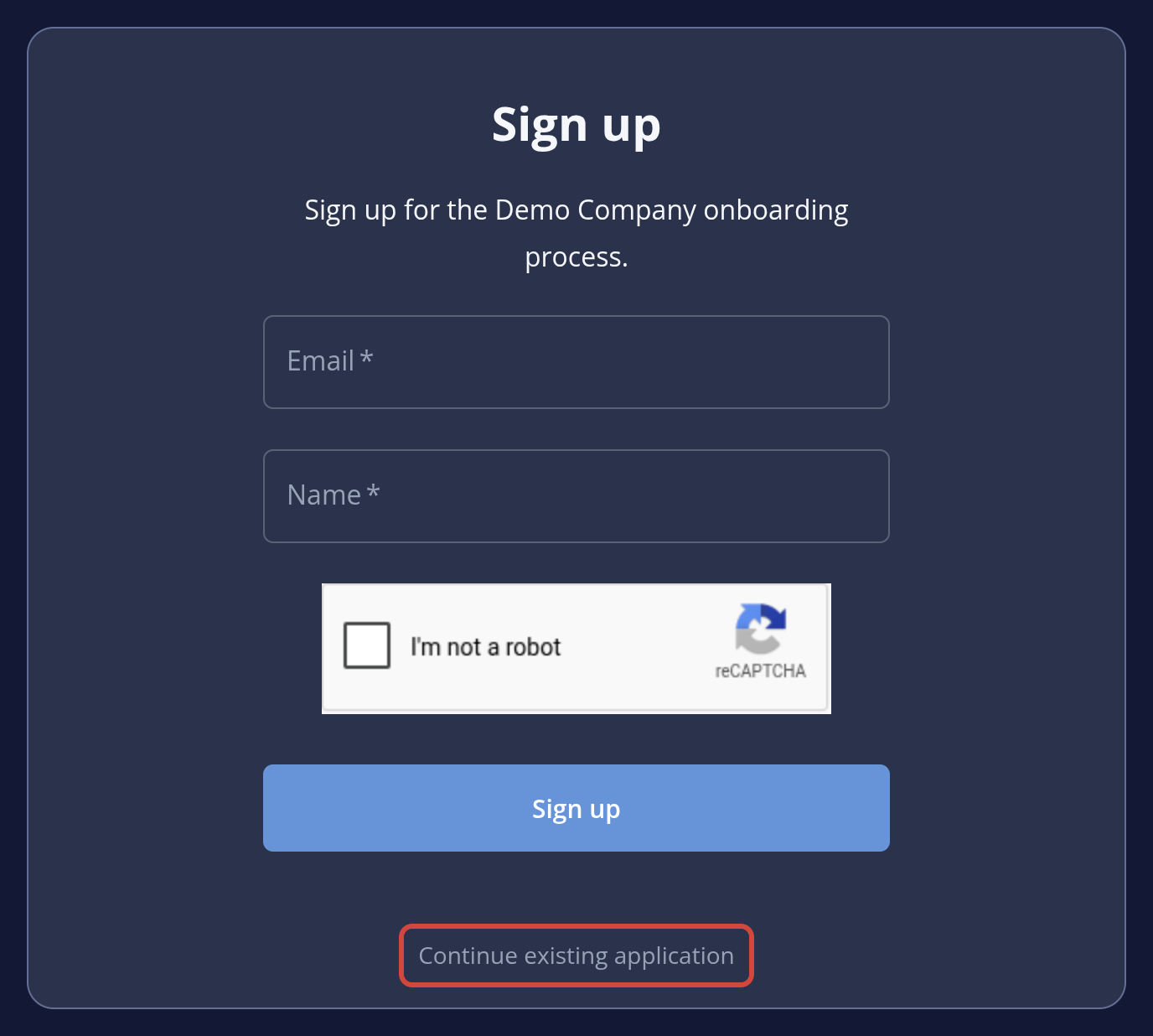
Invitation links are valid for 48 hours. If an applicant clicks an expired link while their application is still open, KYC-Chain automatically emails them a new link. Applicants can also open the KYC portal, click Continue existing application and enter their email address to get a new login link by email. If neither works, cancel the application and send a new invitation.