External data and company registry
Checking external data results
When reviewing a KYC process, one of the most important points is the External Data tab. The KYC-Chain app runs automatic sanctions checks on individuals and corporations. Our feature covers global and national sanctions lists: OFAC, US BIS, CIA, FBI, EEAS, SECO, HMT, MOD, World Bank and more. Additionally, we provide Adverse Media and PEP checks. Ask your account manager to provide more details about KYC-Chain Advanced Sanctions Screening or contact us at [email protected].
Individual applications: Managers can see possible matches for the applicant in the External Data tab:
- Open the application you want to review.
- Open the External Data tab. Possible matches are listed. If nothing was found, you will see "No Results Found".
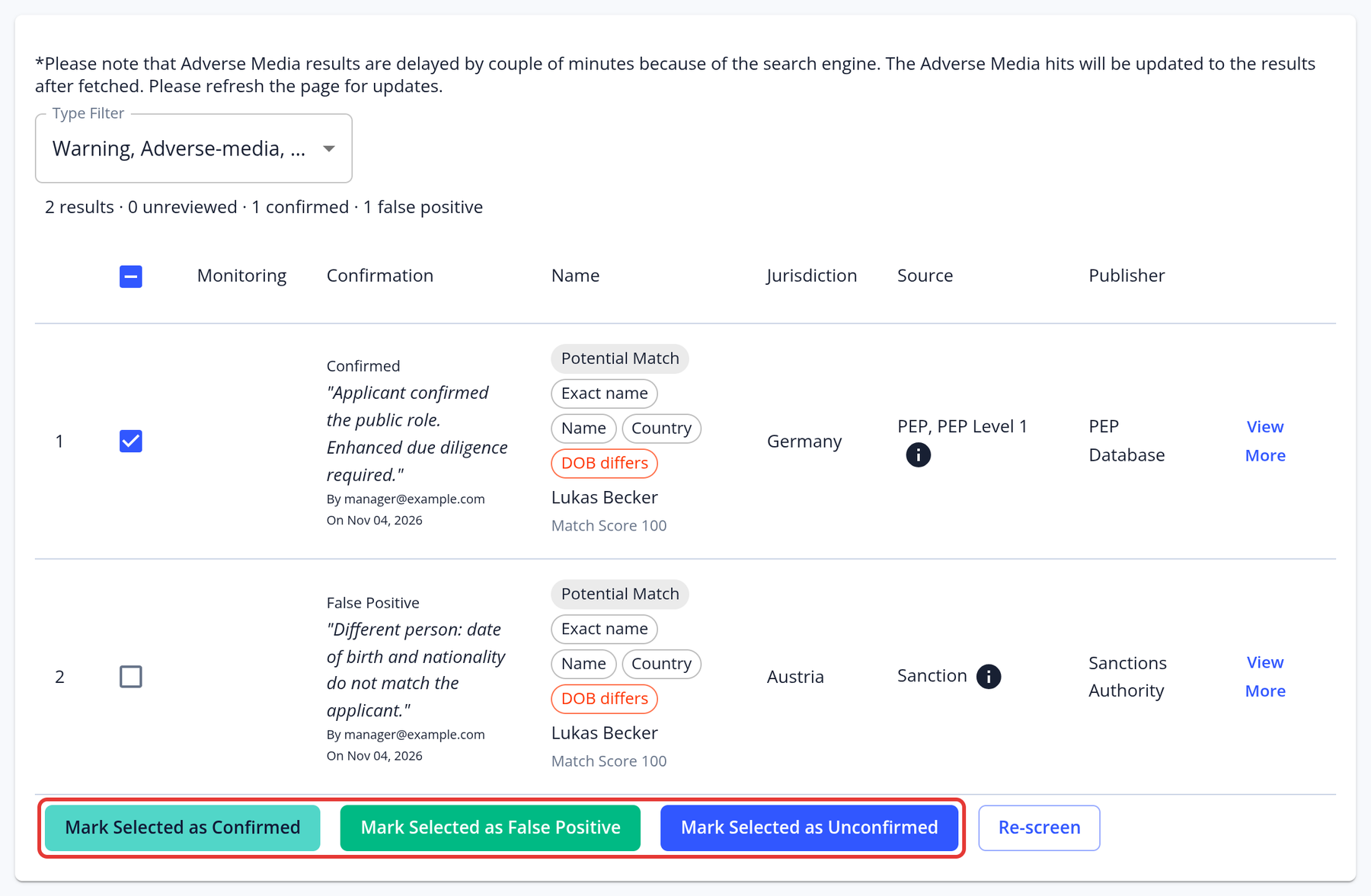
- Select one or more results and click Mark Selected as Confirmed for true matches, or Mark Selected as False Positive for results that don't refer to the applicant. Mark Selected as Unconfirmed undoes your choice.
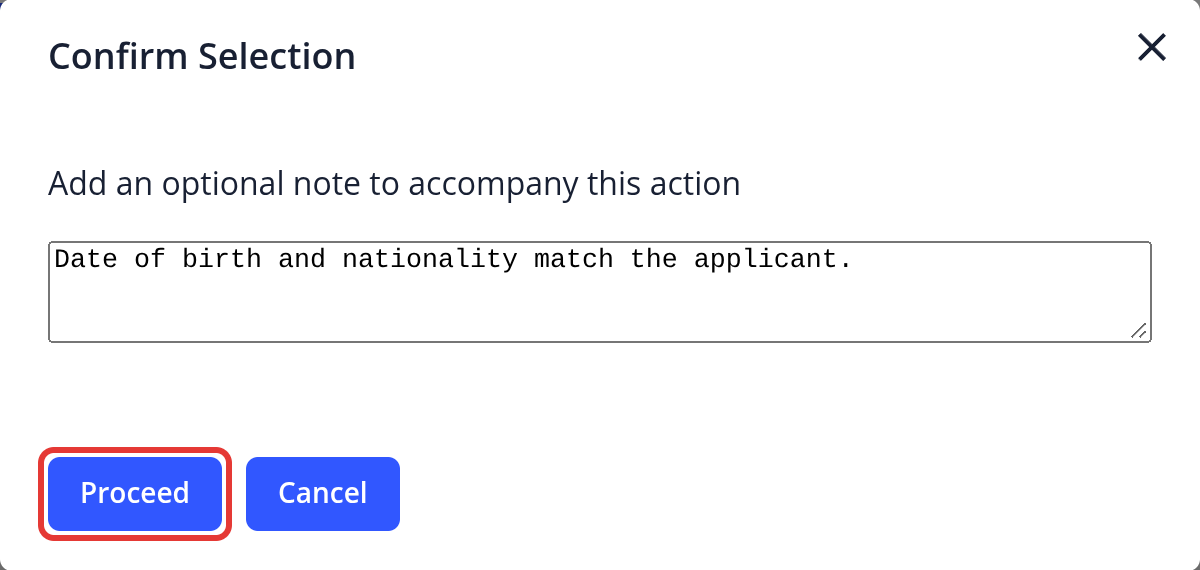
- In the Confirm Selection dialog, add an optional note and click Proceed.
To rule out false positives, click View More and compare the date of birth, country and other details. Your decisions are used by risk scoring. To run the screening again, click Re-screen; each re-screen is charged.
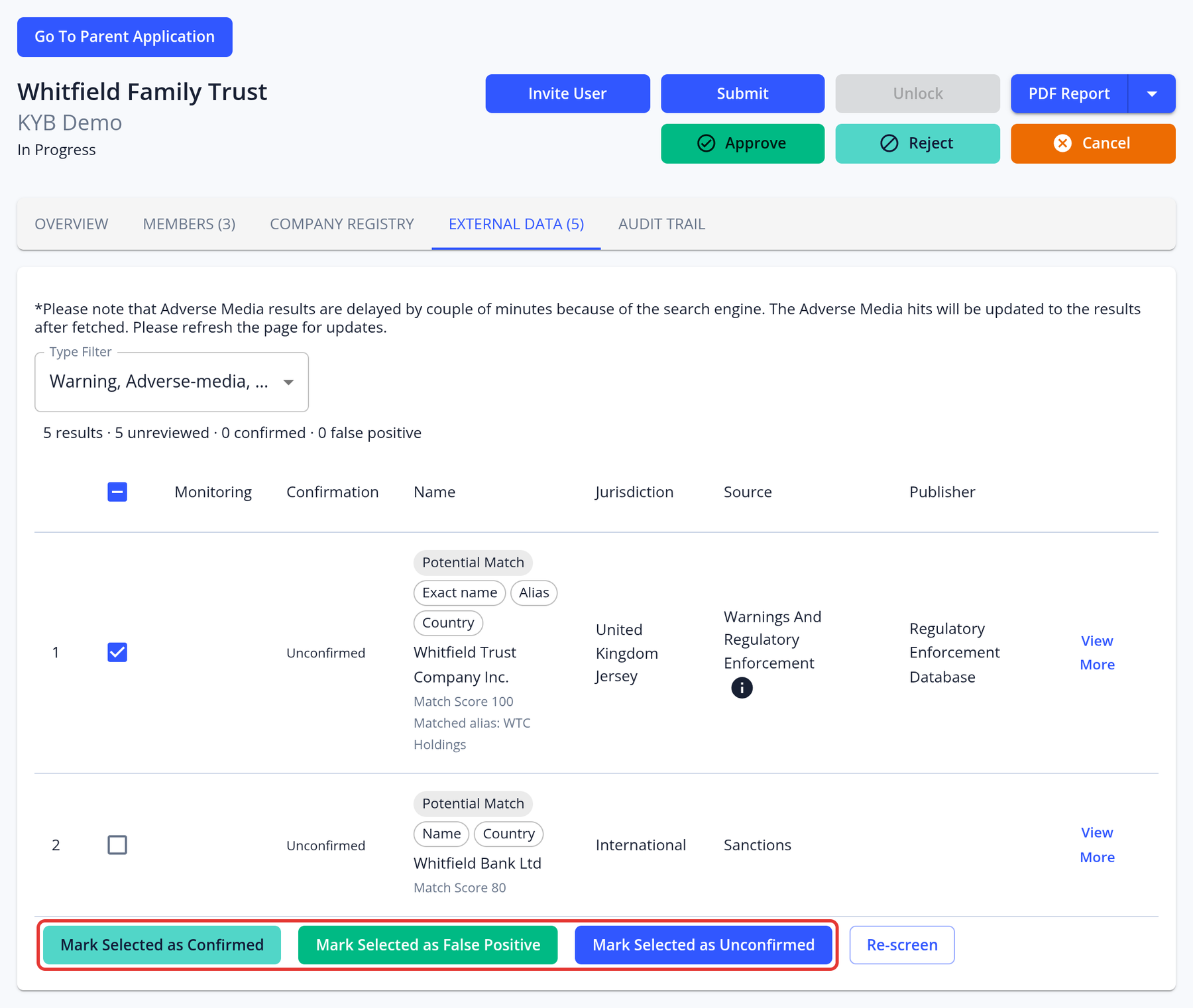
Corporate applications: Managers can see positive matches for the entity and its members that are prohibited from certain activities or industries in the External Data and Members tabs.
- Navigate to a KYC case you want to review.
- Open the External Data tab.
- Then open the Members tab and click View Case on the member you want to check. This opens the member's own application.
- Open that application's External Data tab.
- The list of possible matches will show up. If nothing was found, you will see "No Results Found". Review the results in the same way as for individuals.
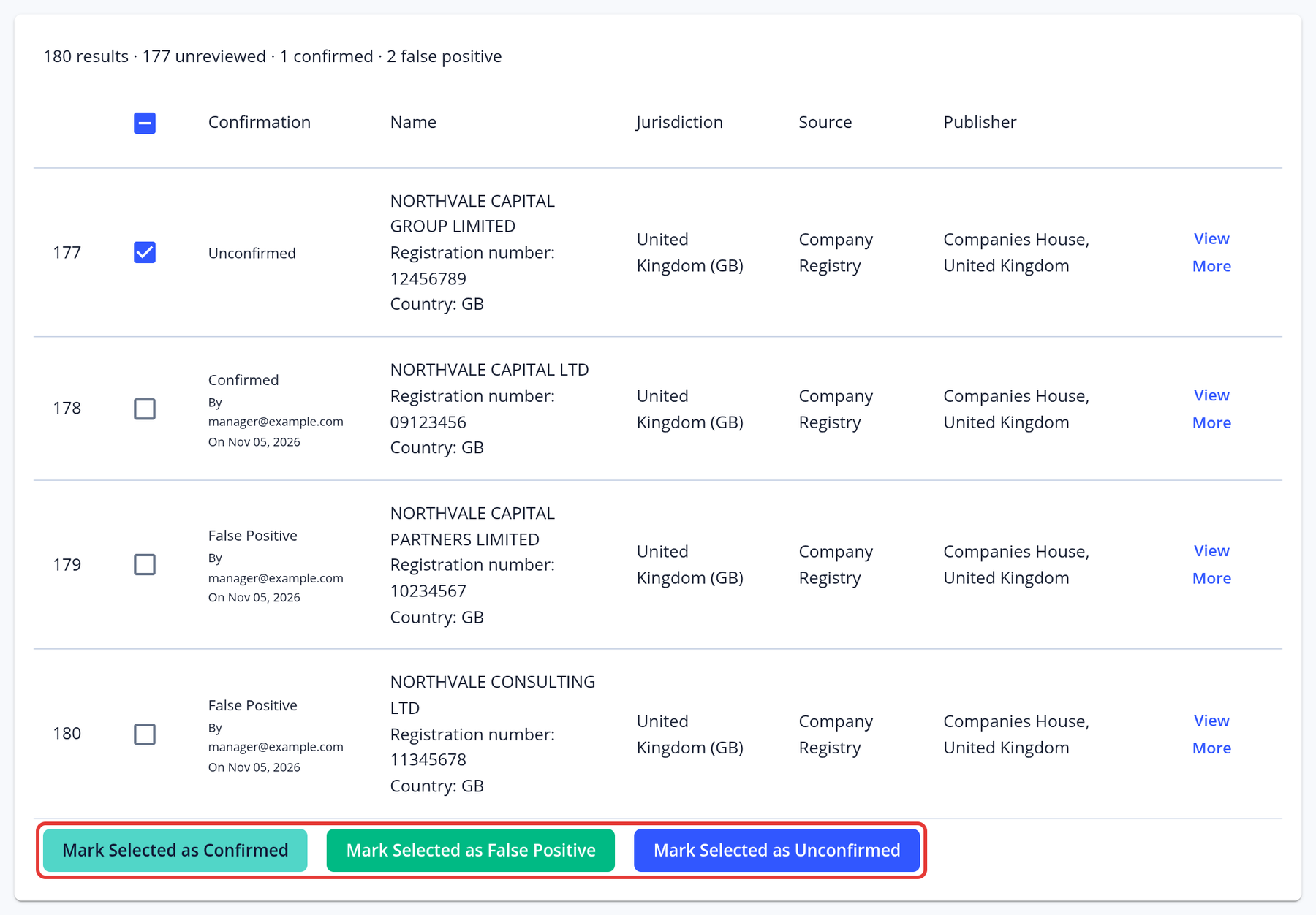
Checking company registry results
Our system allows you to access business registration information from official and authoritative commercial register databases. Some of the data categories available are business registration number, address, incorporation date, activity status and list of directors and secretary. The data available depends on the jurisdiction; see KYC and AML coverage by country for the company registry checks in each country. Ask your account manager to provide more details about the KYC-Chain company registry check or contact us at [email protected]. For corporate applications, managers can see company details in the Company Registry tab:
- Navigate to a KYC case you want to review.
- Open the Company Registry tab. The matching company profiles are listed. If the company couldn't be found or the jurisdiction isn't supported, you will see a message.
- Select the correct company profile and click Mark Selected as Confirmed (or Mark Selected as False Positive for a wrong match), then click Proceed.