Dashboard and application lists
Dashboard
The Dashboard gives managers an overview of all KYC applications, both open and closed.
The KYC Application Reports at the top show at a glance how many applications are In progress, Ready for review, Approved, Rejected and Cancelled.
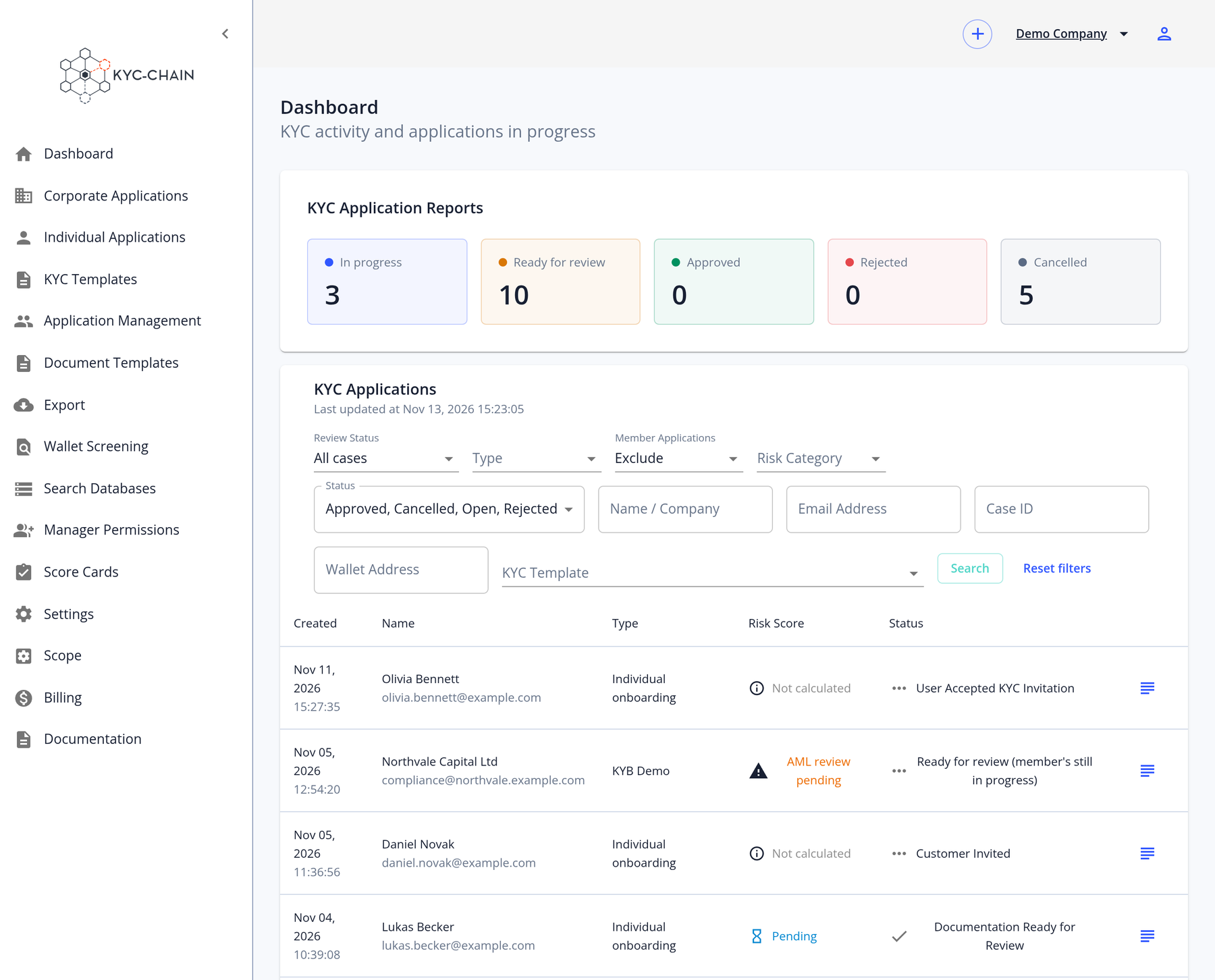
Below the reports, the KYC Applications table lists each application with its creation date, name, type, risk score, status and labels. You can narrow the list with these filters:
- Type: Individual or Corporate
- Status: Approved, Cancelled, Open or Rejected. Open covers every application that isn't closed yet.
- Review Status (shown when ongoing AML monitoring is enabled): All cases, Ready for review or Monitoring updates
- Risk Category: LOW, MEDIUM, HIGH or NOT CALCULATED
- Labels and KYC Template
- Name / Company, Email Address (partial matches work), Case ID and Wallet Address
- Member Applications: Include or Exclude. Member applications are excluded by default.
Your browser remembers the type, status, review status, risk category, member application and page size settings, so you can pick up where you left off. Text searches, such as a name or an email address, are not saved.
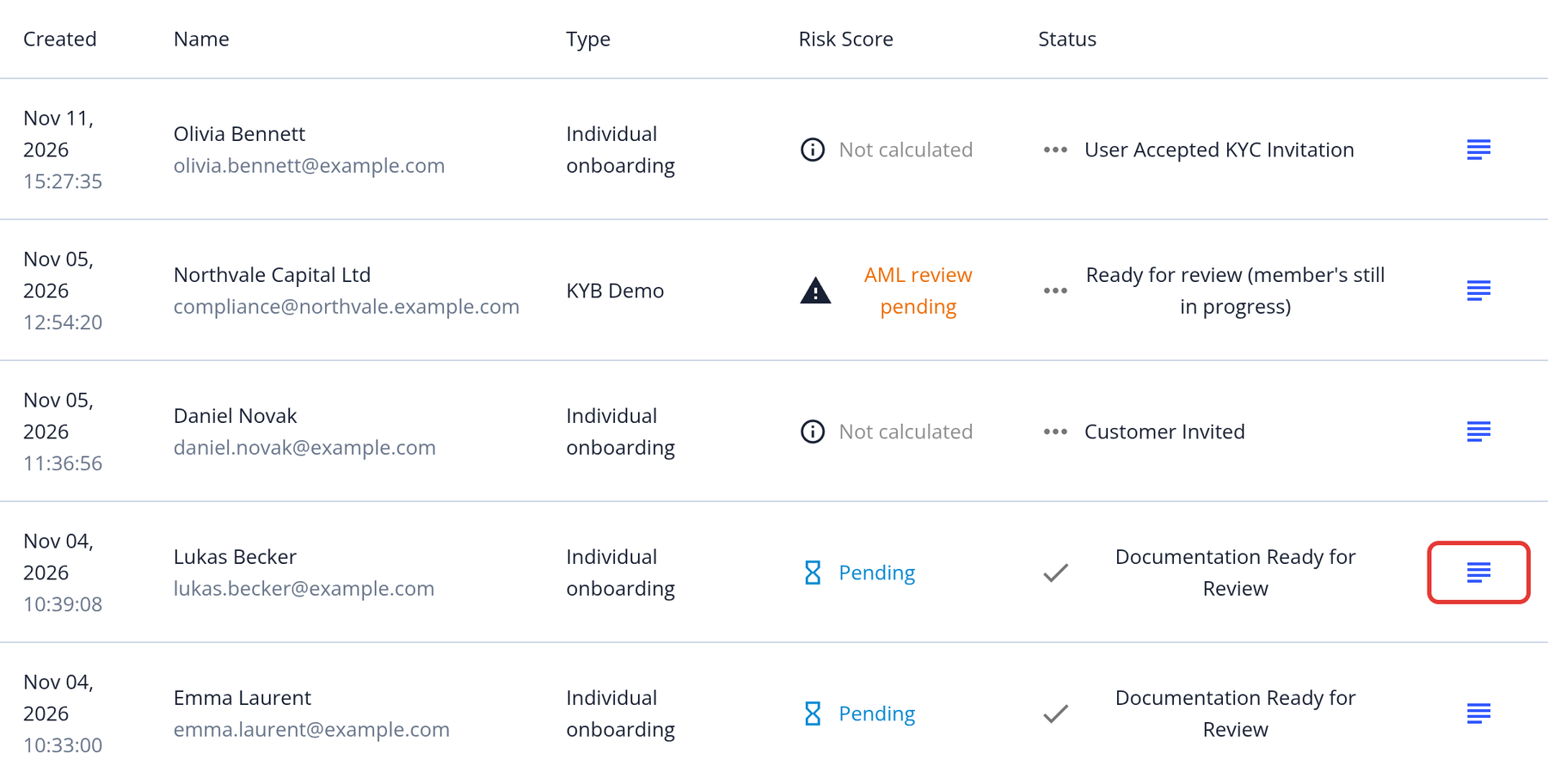
To open an application, click the View and Modify button (text icon on the right side of the row):
Individual and Corporate Applications
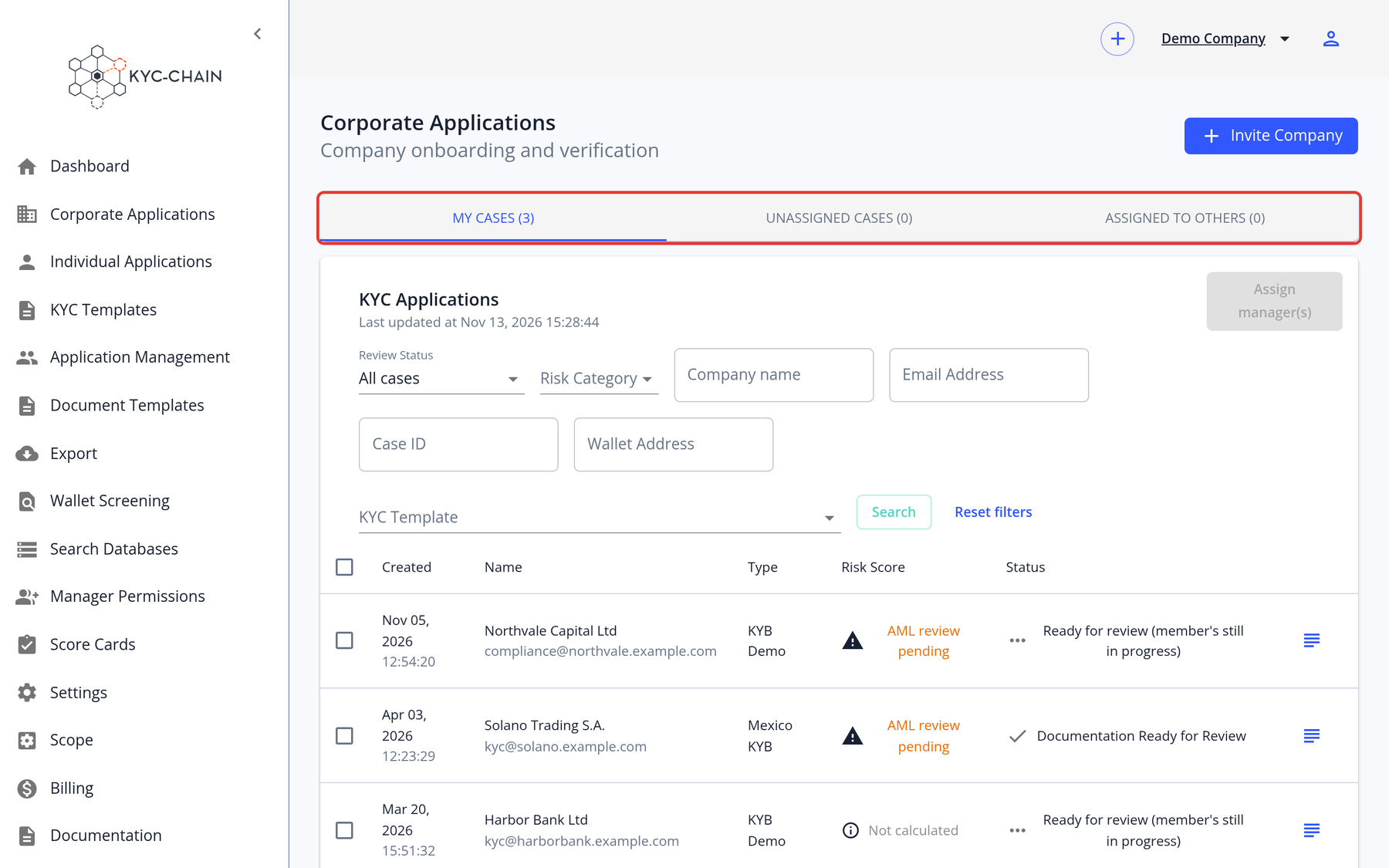
In the KYC-Chain app, applications are organized into two lists in the left menu:
- Individual Applications: KYC processes created for individuals.
- Corporate Applications: KYB processes created for companies or organizations.
These lists only show "open" applications: those that are waiting for input from the applicant or for a review from a manager. Approved, rejected and cancelled applications can be found on the Dashboard. Use the My Cases, Assigned to Others and Unassigned Cases tabs to split up the work. From these lists, managers can invite applicants, assign managers, and open applications to review them: