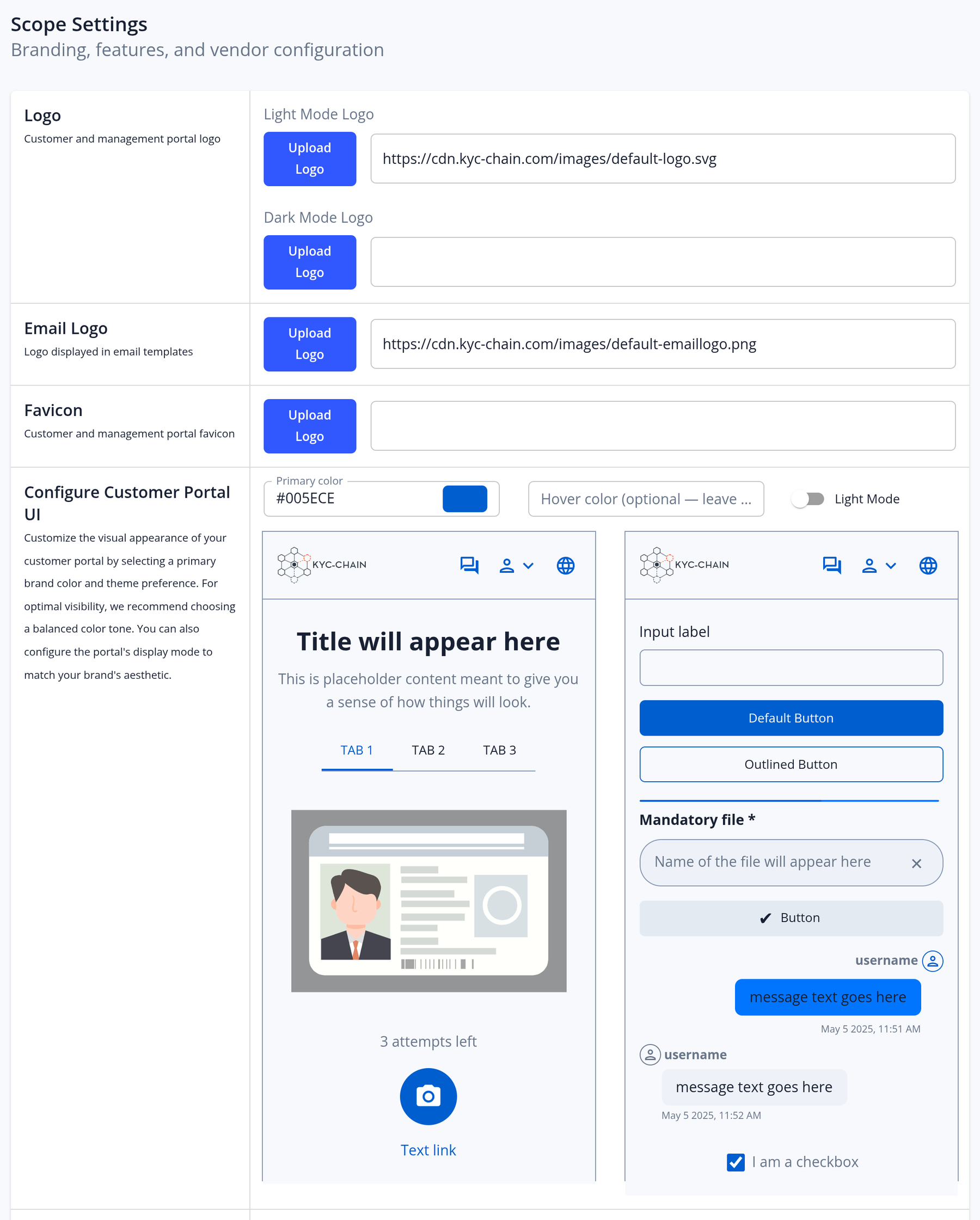
Scope settings
Open Scope in the left menu to configure your instance. You need permission to edit the scope settings, which the Administrator role has. You can change these sections:
- Logo, Email Logo and Favicon: the logo of the customer and management portals (with separate light mode and dark mode versions), the logo used in emails, and the browser tab icon. Use JPEG, PNG or SVG files up to 3 MB.
- Configure Customer Portal UI: choose the portal's Primary color, an optional hover color (derived automatically if left empty), and light or dark mode. A preview shows the result.
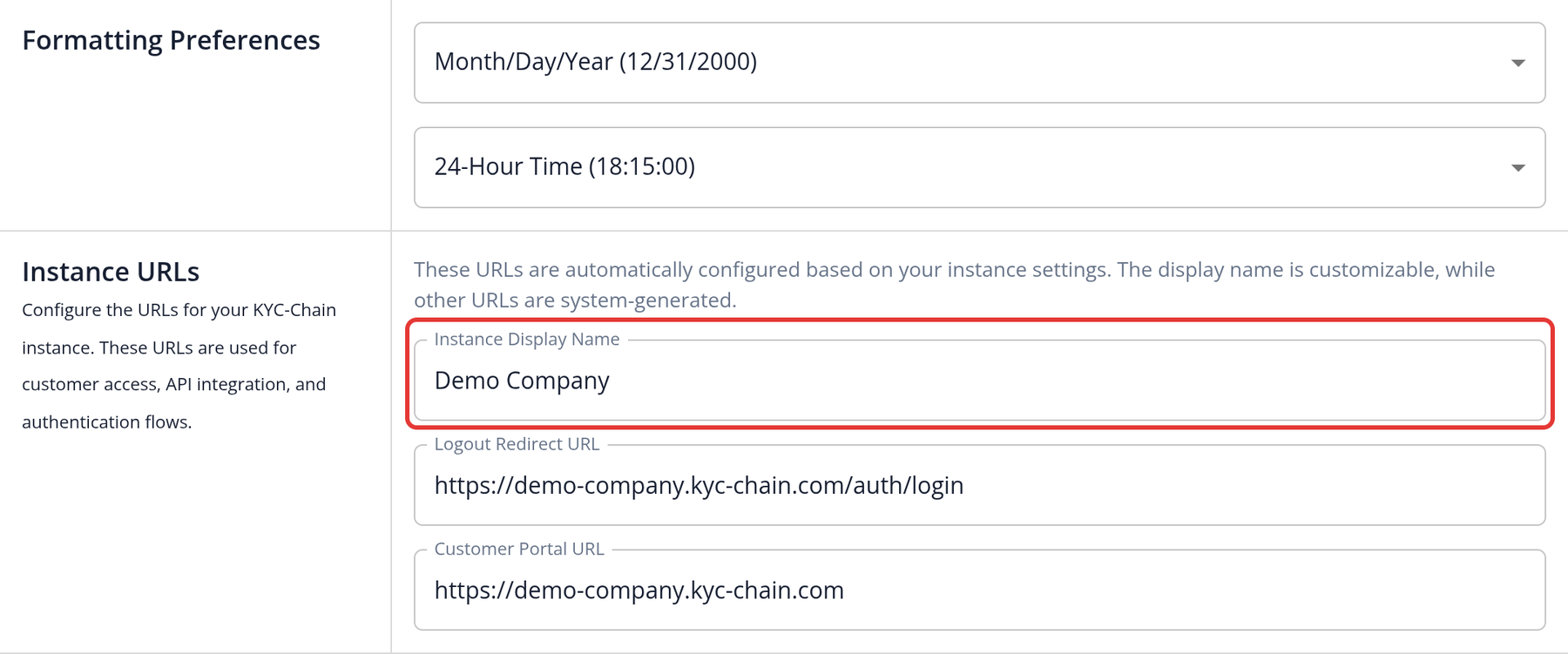
- Formatting Preferences: the Date Format (Month/Day/Year or Day/Month/Year) and Time Format (12-hour or 24-hour).
- Instance URLs: change the Instance Display Name. The Logout Redirect URL and Customer Portal URL are shown for reference, and so is the API Endpoint URL if your role can view API keys.
- Hosts: the host names your customer portal is available from (read-only; shown only to roles with permission to see them).
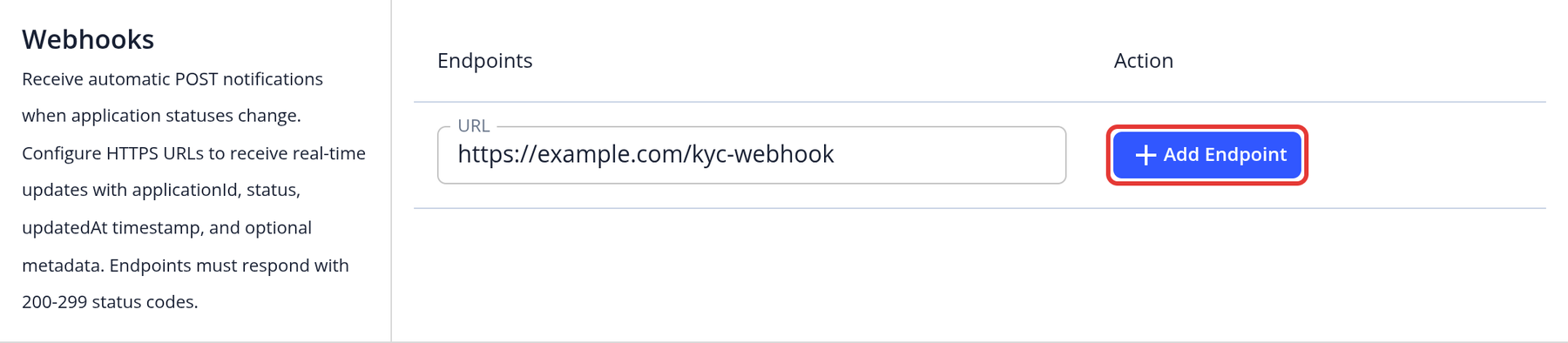
- Webhooks: the endpoints that receive application status notifications (see the webhooks FAQ).
- Passwordless Flow (Enterprise customers): when it is on, applicants don't use passwords. They request a sign-in link by email instead. It is on by default.
Other settings, such as enabled features, languages, email sending, storage, required 2FA, live mode and billing, are managed by our team. Open a support ticket to change them.