Getting help
Throughout the entire process, our KYC-Chain team is ready to help you.
How to contact support:
- Click the Support button, which is shown on every page of the management app.
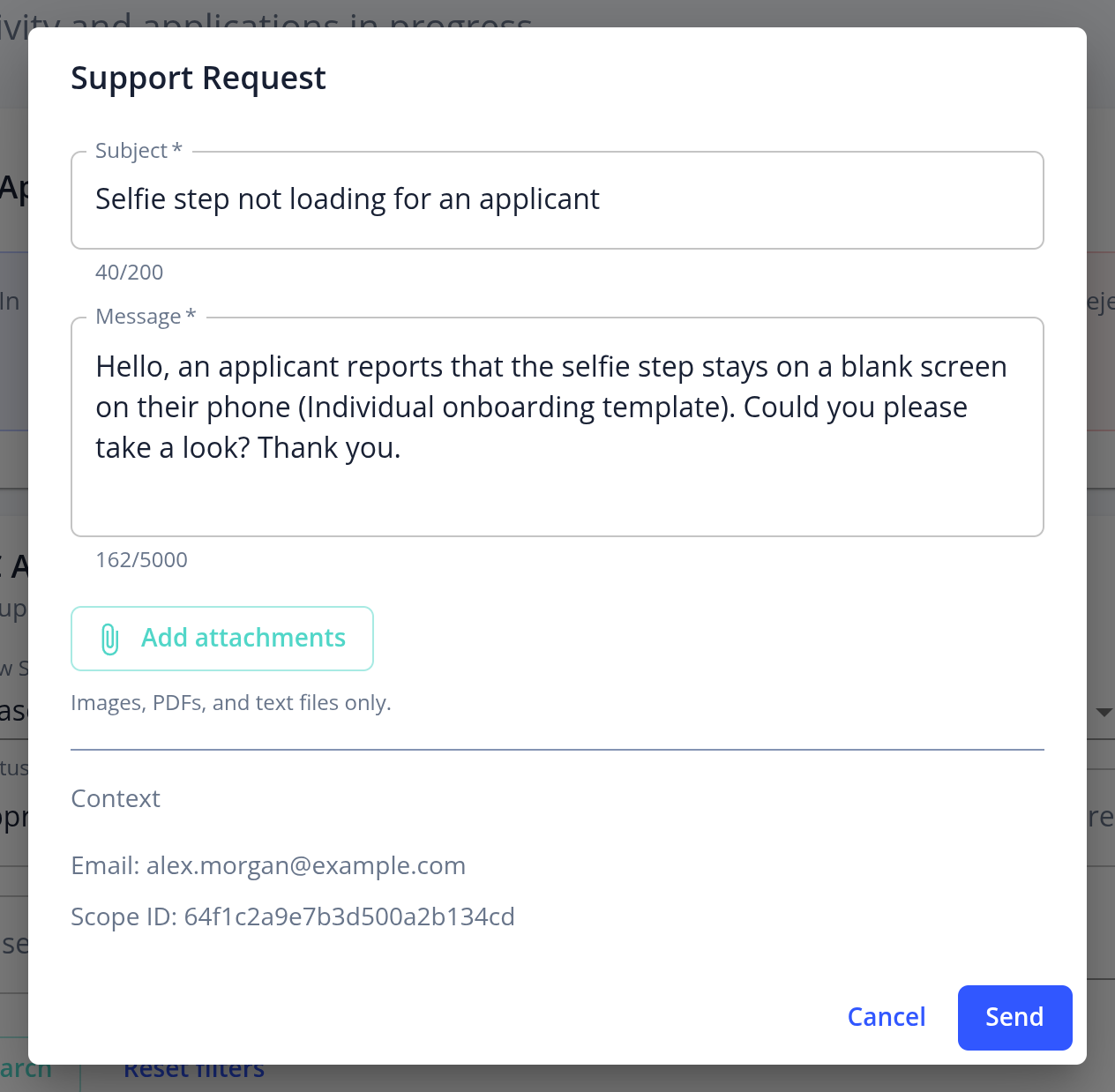
- In the Support Request form, enter a Subject and a Message describing your question or issue. Mention the application, the page and any error message you saw.
- Optionally, click Add attachments to add up to 5 images, PDFs or text files, such as screenshots.
- Send the request.
The form automatically includes your email address and scope ID and, where available, your plan and the application or template you have open, so our team can find the right data quickly. Subscription plans have a target response time of 24 hours on Basic and 12 hours on Pro.
You can also email us at [email protected], for example if you can't sign in.