Export KYC data
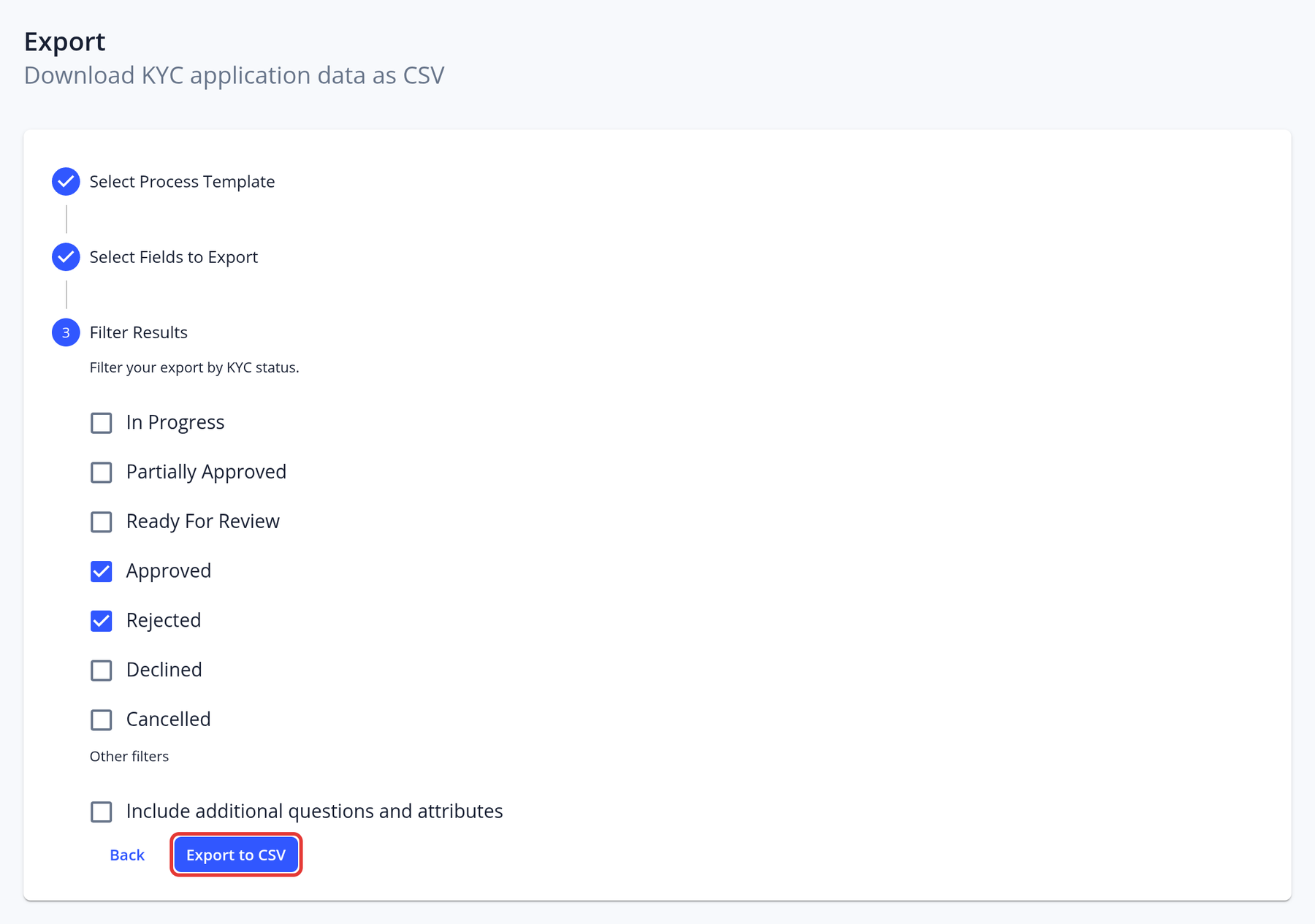
The Export page lets managers export application data to a CSV file, one KYC template at a time:
- Select Process Template: choose the KYC template whose applications you want to export.
- Select Fields to Export: choose standard fields (Case ID, Date Created, Status, Status Updated, Manager, all attributes and all questions) and any of the template's questions.
- Filter Results: choose the statuses to include, and whether to include additional questions and attributes.
- Click Export to CSV.
To export the data and files of a single application, open it, click the arrow next to PDF Report and choose Export ZIP.