Application management
This tool allows managers to permanently delete applications, including all their data and files.
1. Search and Filter Options:
- Filter by type, wallet address, risk category or status, and search by name, email address or case ID.
- Set Member Applications to Include to also list member applications.
2. Application Selection:
- Use the checkboxes to select one or more applications. A member application that has members of its own can't be selected; delete its parent application instead.
3. Deletion:
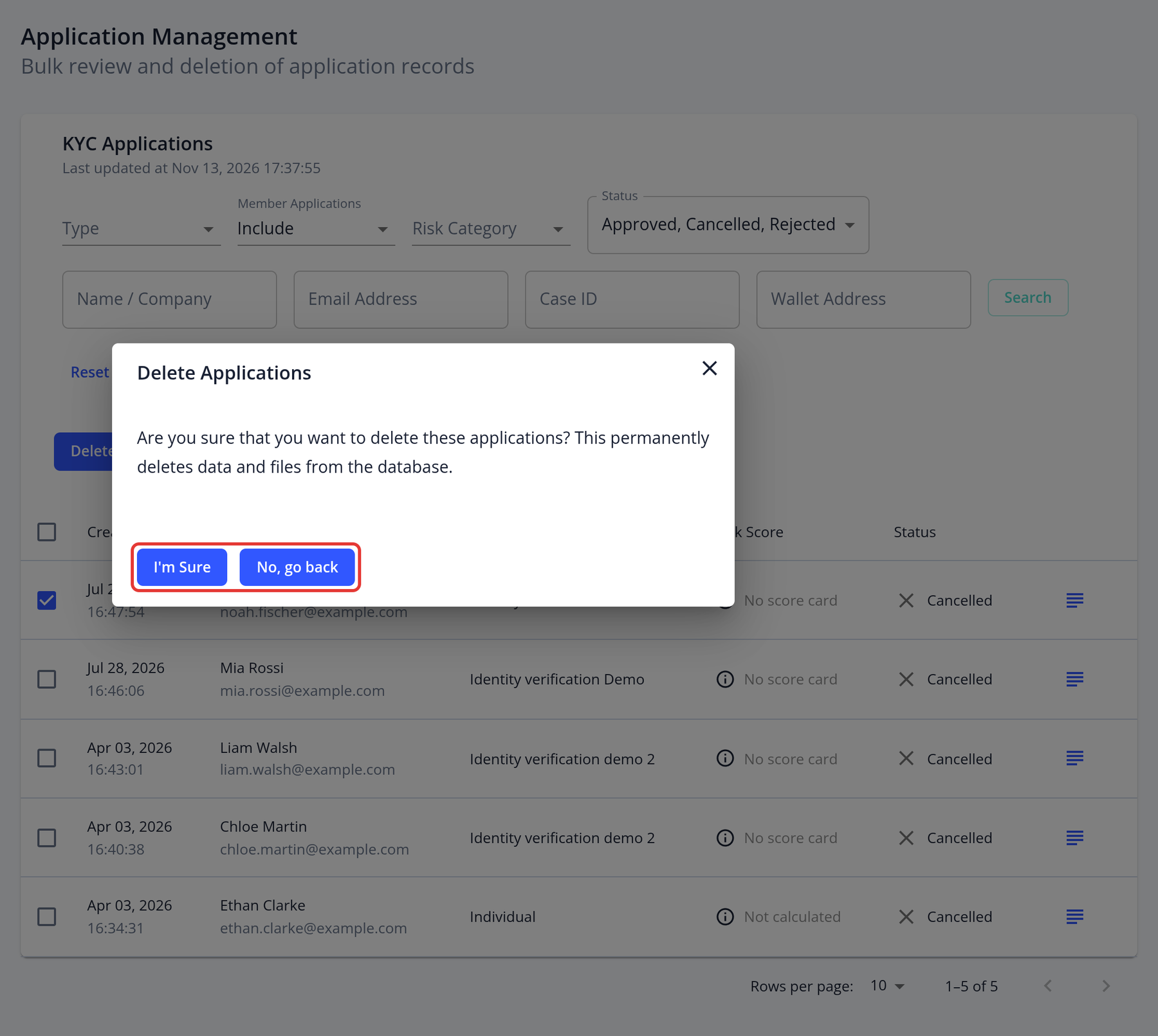
- Click Delete N application(s). The Delete Applications dialog asks you to confirm. If the selected applications have member applications, the dialog lists them too: they are deleted together with their parent.
- Click I'm Sure to delete them, or No, go back to cancel.
4. Application Details for Deletion:
- The list shows the applicant name, email address, risk score and status to help you choose the right applications.
Important: Applications can't be restored after deletion.